Jerrod Lew's Kling 4.0 demo changes wardrobe, props and set without a reshoot
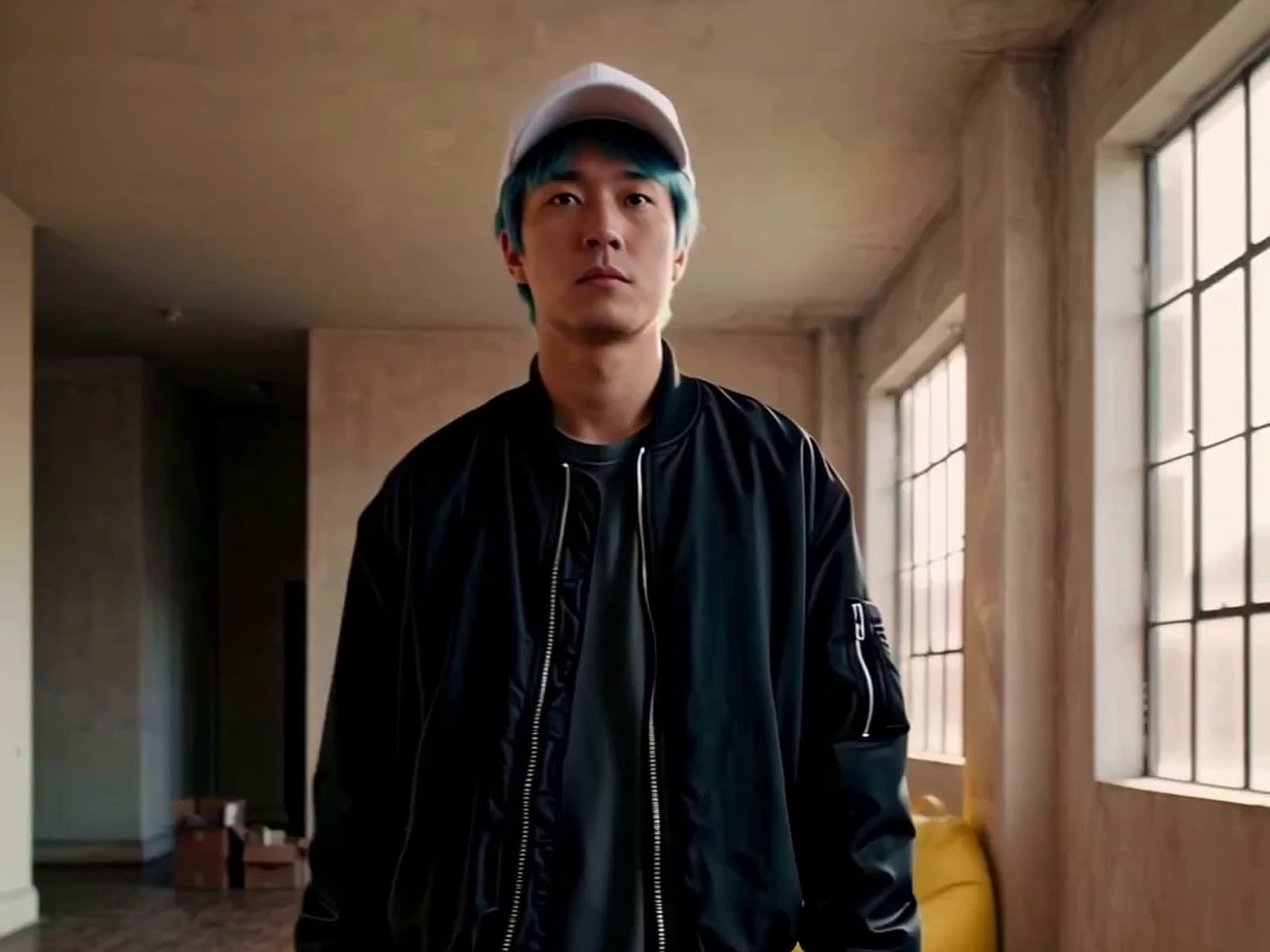
Jerrod Lew added a coffee cup, red sneakers, a cap and new furniture to one walking shot with Kling 4.0 on Magnific, and the man in frame stays untouched. It is a product demo, and the starting shot was generated, not filmed.
Jerrod Lew (@jerrod.lew) took one simple shot of a man walking through an empty loft and kept adding to it: a coffee cup, red sneakers, a white cap, then a table and a yellow bean bag. The man and his walk stay exactly as they were.
It is a great demo of how Kling 4.0 can edit a shot that already exists, changing wardrobe, props and set without altering the character in frame. Every addition feels natural and realistic rather than forced, and none of it touches the original performance.
This is clearly a product demo, and the starting shot was itself generated, not filmed. Even so, it shows how widely these tools can be used: a change made after the shoot, without bearing the cost of a reshoot. For creators and filmmakers looking for an elegant fix to a shot edit, it is a fantastic piece of inspiration.
Jerrod says the demo was made on Magnific with Kling 4.0, feeding in a picture of each new item. Kling's own guide lists editing existing videos as a feature and advises spelling out what must stay unchanged.
Made something in this spirit? Tag us so we can take a look.
Every clip is credited to its maker. If one is yours and you want it removed, message us and it comes down.
Source: Jerrod Lew (@jerrod_lew on X), 22 Oct 2026.