Midjourney now restyles a picture from a moodboard or style code with nothing typed
Midjourney's edit tool now applies a saved moodboard, style code or style images to an attached picture without a typed request. Those inputs were already in its help pages, and the demo shows no face or text.
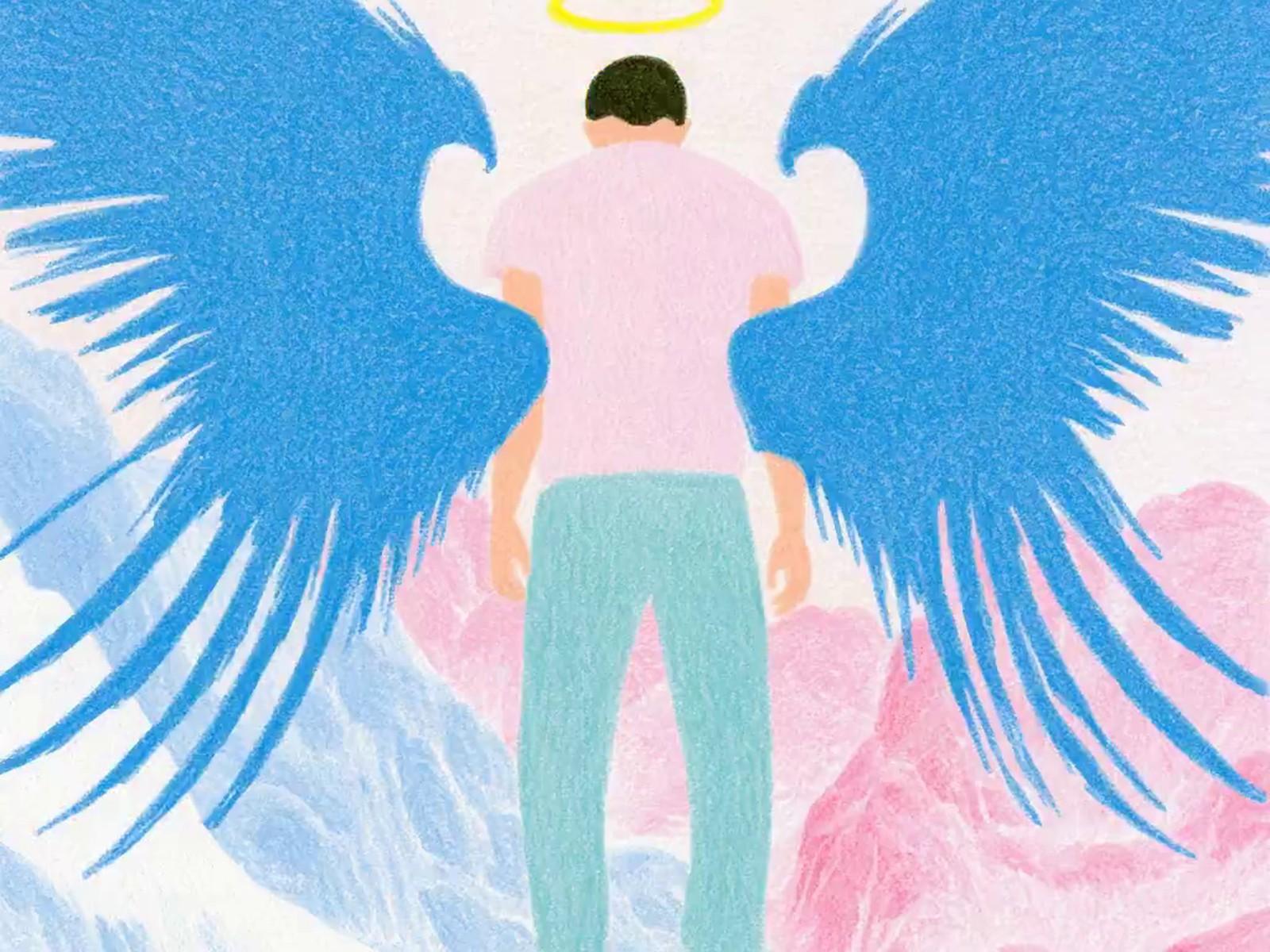
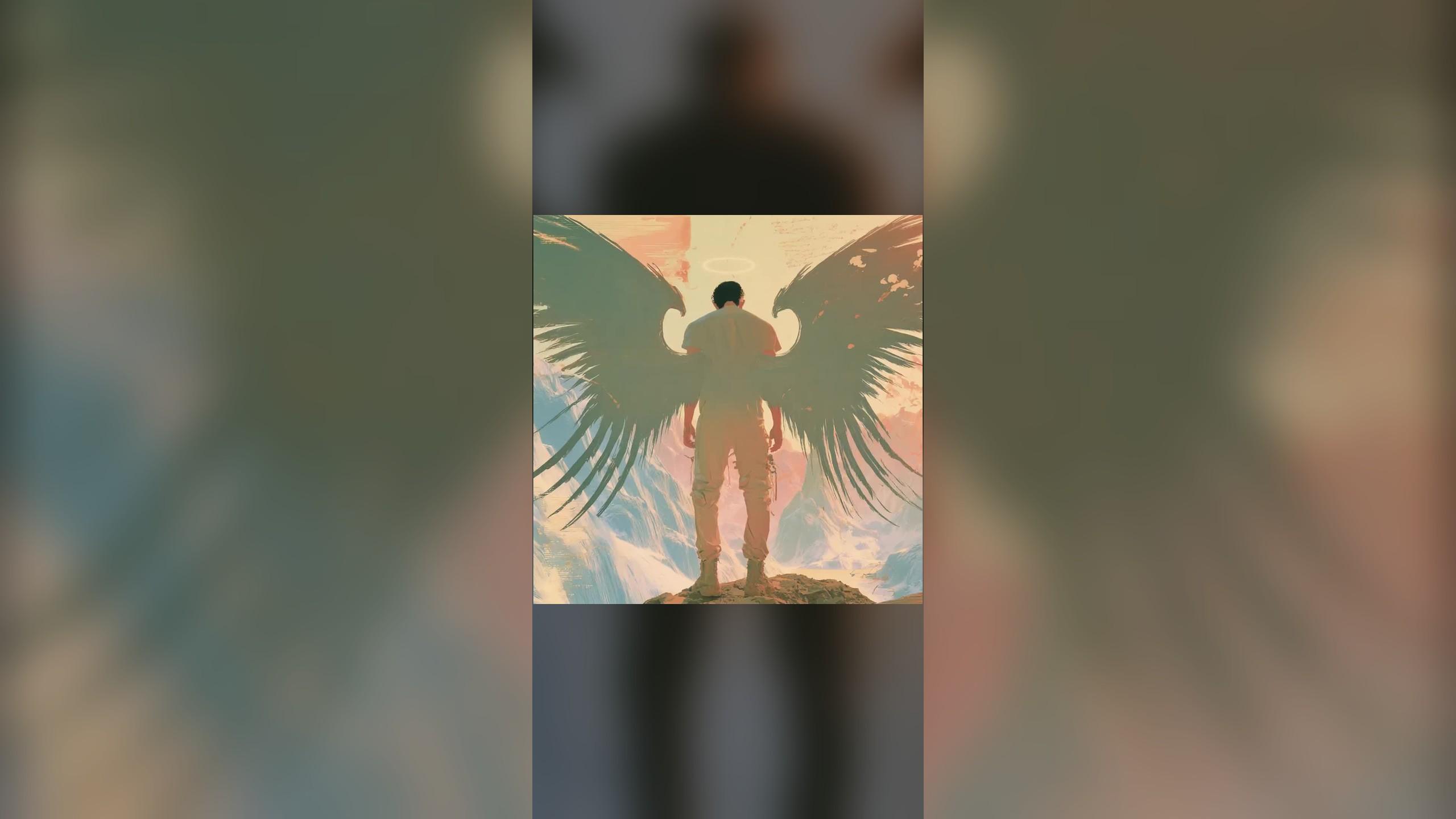
Midjourney just made a saved look work like a filter: attach a picture, add a moodboard or style code, press enter, and nothing needs typing. The demo that sells it was picked with care, a winged figure with its back to the camera.
The change landed on X on Tuesday, November 17, and the inputs themselves are not new. Midjourney's own help pages have listed moodboards and style images as working with the edit tool since the summer, and they still advise describing the style in words. What is new is skipping that step, so a director's board becomes something you reuse rather than a paragraph you retype for every frame.
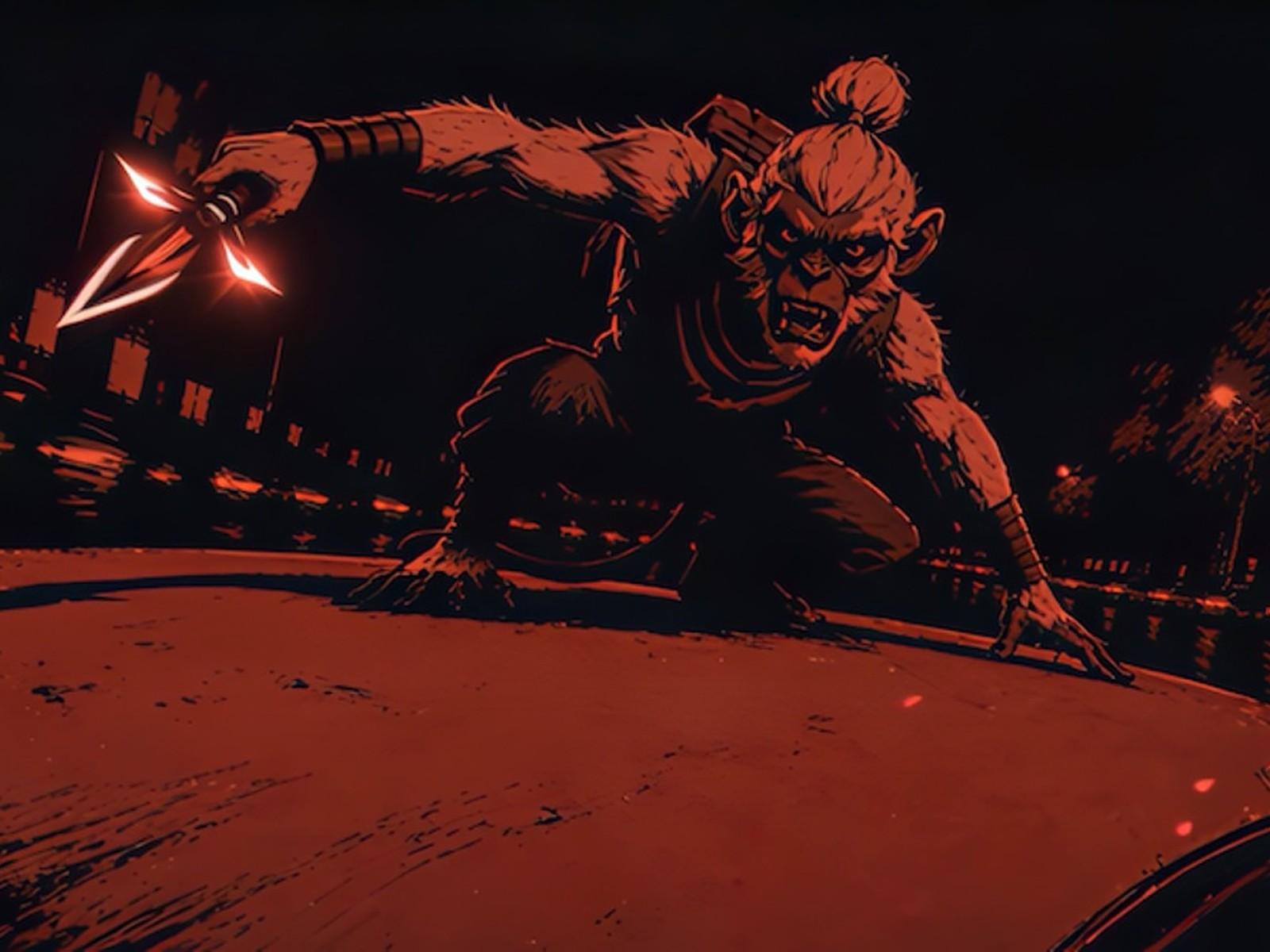
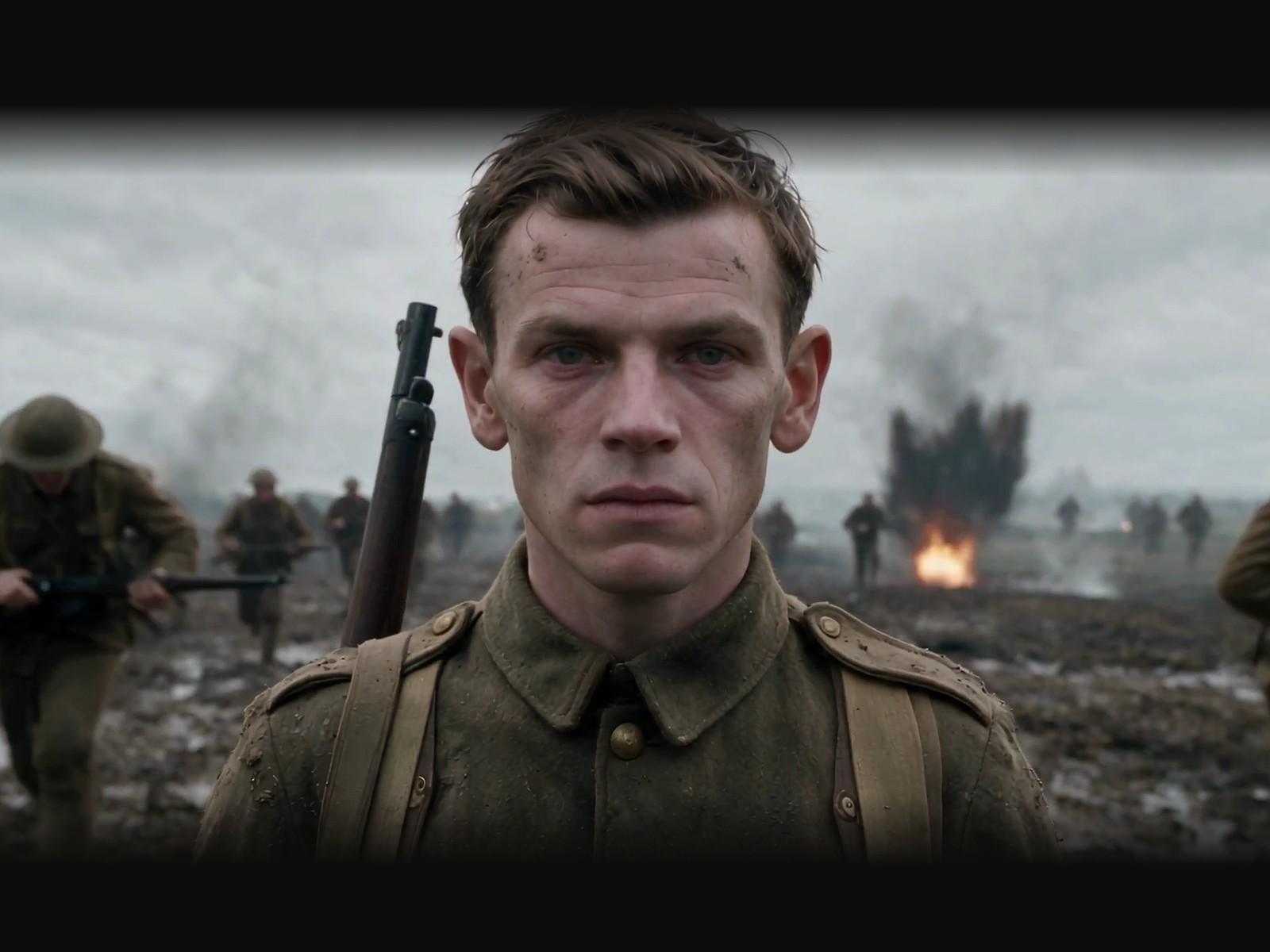
We watched the 11-second clip frame by frame. One picture runs through 11 looks, from ink brush to colored pencil to an illuminated manuscript, and the outline, wings and stance hold every time. There is no face to keep, no lettering and little set detail, and one user reply says text blurs after a restyle.
Midjourney has not said which plans get it, what a job costs, or whether it works in Discord. There is still no official way for other apps to plug in, so this stays a manual step in its web app.
Our take: a reusable look matters more for keeping a film consistent than another model version. Anyone building on it should first try a close-up face, a sign and a busy set.
Source: Midjourney on X and Midjourney help articles, Nov 2026.
Read the full article: thegenerated.com/stories/midjourney-edit-model-moodboard-no-prompt-20261117